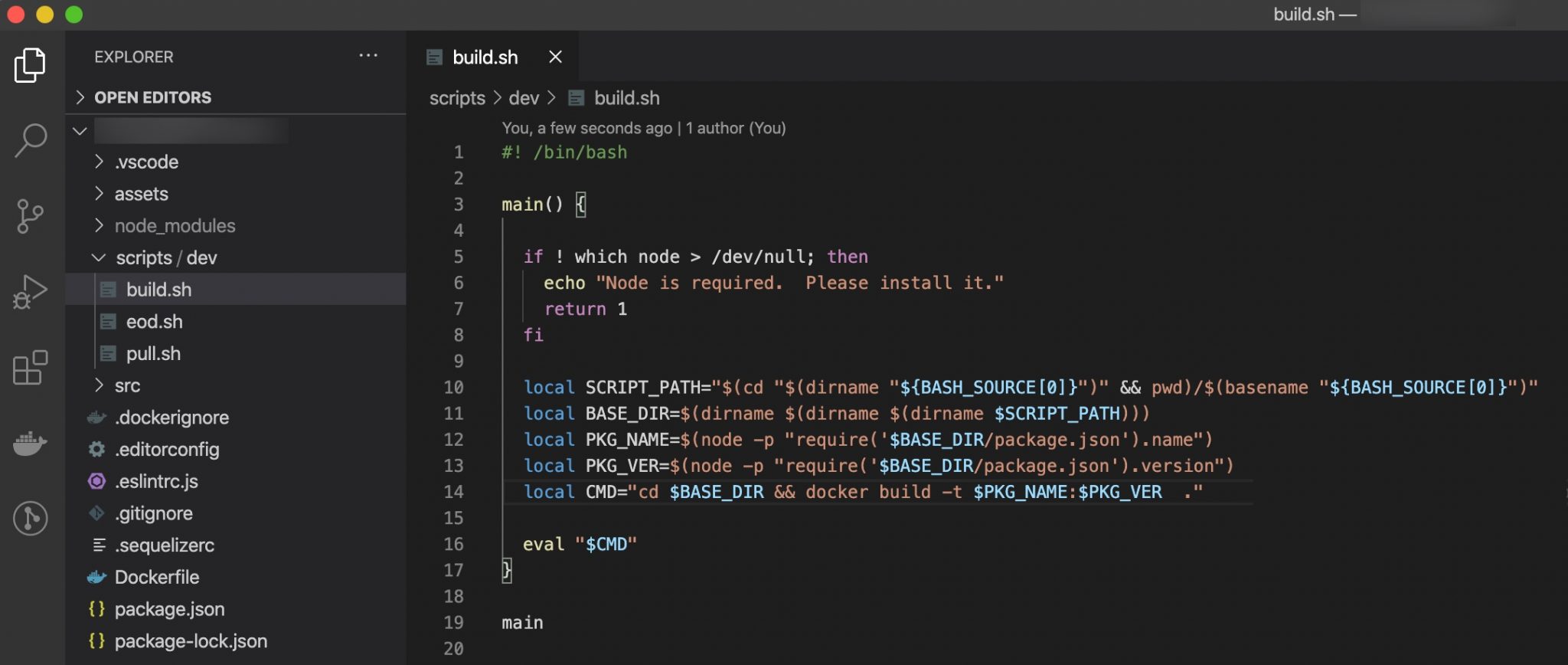
Quick script to Dockerize and tag your Node app with the current version number without having to
dig through files for values. For me, this is important as I use Docker with EC2 and ECS on AWS.
Using the project version number and name, from the package.json file, allows me to
automagically tag the Docker image… which, in turn, allows me to easily deploy specific
versions of the app or service for various release methods (blue/green, etc.).
First, the script itself…
#! /bin/bash

main() {

  local SCRIPT_PATH="$(cd "$(dirname "${BASH_SOURCE[0]}")" && pwd)/$(basename "${BASH_SOURCE[0]}")"
  local BASE_DIR=$(dirname $(dirname $(dirname $SCRIPT_PATH)))

  local PKG_NAME=$(node -p "require('$BASE_DIR/package.json').name")
  local PKG_VER=$(node -p "require('$BASE_DIR/package.json').version")
  local CMD="cd $BASE_DIR && docker build -t $PKG_NAME:$PKG_VER  ."

  eval "$CMD"
}

main
The last three lines or so is the good stuff…
  local PKG_NAME=$(node -p "require('$BASE_DIR/package.json').name")
  local PKG_VER=$(node -p "require('$BASE_DIR/package.json').version")
  local CMD="cd $BASE_DIR && docker build -t $PKG_NAME:$PKG_VER  ."
The first two lines load the Node package and version into variables PKG_NAME and
PKG_VER. That last line creates a proper command for Docker…
docker build -t my-cool-app:1.2.3And, finally, I call this from my package.json file…
{
  "name": "my-cool-app",
  "version": "1.2.3",
  "description": "My Cool App",
  "main": "src/server.js",
  "scripts": {
    "build": "./scripts/dev/build.sh"
  },
  "author": "Fred Lackey <fred.lackey@gmail.com>",
  "dependencies": {
    "cleaner-node": "^0.10.0",
    "express": "^4.17.1"
  }
}
The end result is I am able to build my app into a Docker image by simply running…
npm run build
… with the result of having a Docker image built using the name and version of my app,
and a quick docker images confirms it is available with the Node app name
and version as the Docker tag.
I hope this helps.